Recognize the problem
You want app-based alerts or control on a compatible opener.
Clarify what is included
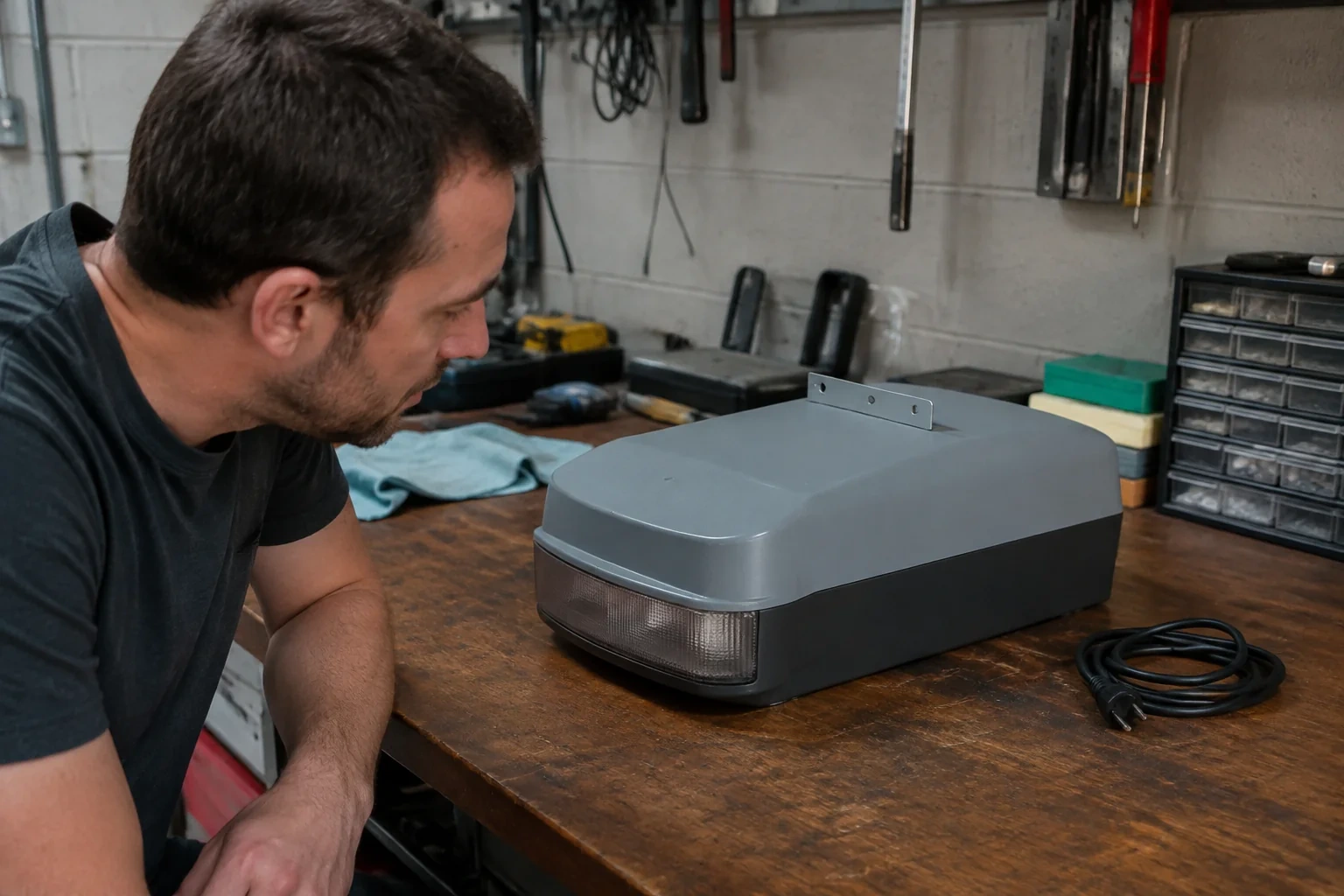
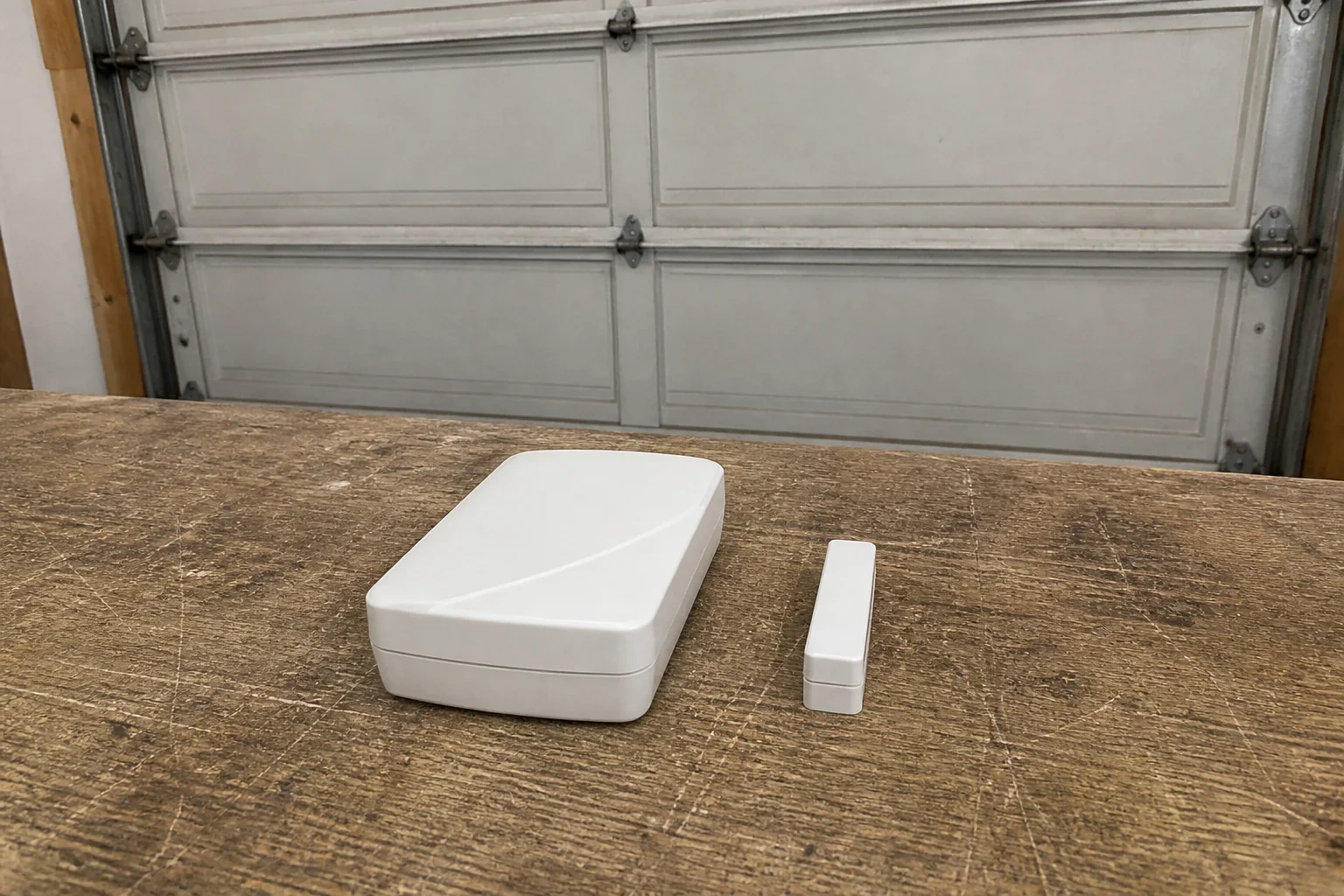
Discuss smart controller, sensor, mounting hardware. Separate proposed replacement parts from materials, equipment used during the visit and any report you will receive. Confirm compatibility for proposed parts.
The proposed work
Ask the provider to confirm compatibility with the opener, network and intended app functions before installation. Agree who sets up and owns the account, which equipment is supplied and how control and notification functions will be demonstrated to the owner.
The equipment file
See the components. Ask better questions.
KNOW WHAT YOU ARE AGREEING TO
Before you approve the work.
Controller package +
Identify the supplied controller and the opener, network and app functions it is intended to support.
Setup and handover +
Clarify account setup responsibilities and the functions to be demonstrated, including any excluded accessories.
Completion record +
Confirm the work completed, any unresolved limits and the applicable function checks at handover.
What else should you ask?
What does smart garage controller setup involve?
Ask the provider to confirm compatibility with the opener, network and intended app functions before installation. Agree who sets up and owns the account, which equipment is supplied and how control and notification functions will be demonstrated to the owner.
What should the proposal say about parts, materials and equipment?
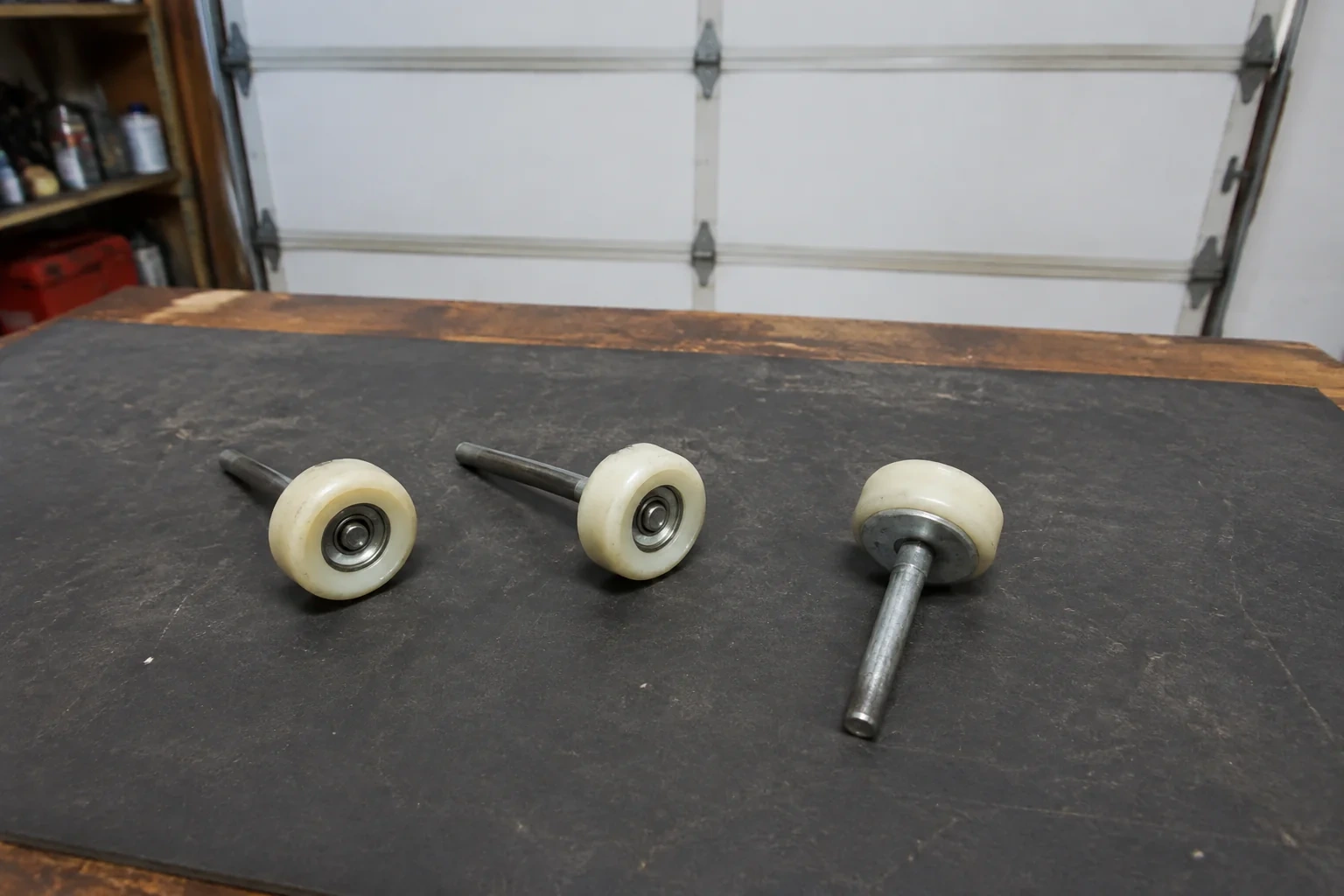
Discuss smart controller, sensor, mounting hardware. Ask the provider to distinguish existing parts to inspect, proposed replacements, and tools, materials or reports included in the service. Request a reason for any replacement and confirm compatibility with your equipment. A list of possible items does not mean that every item must be supplied or replaced.
Should I repair the garage door or replace it?
Separate the door itself from the opener and its hardware. A worn roller, damaged seal or opener fault does not automatically require a new door. Ask which component failed, whether compatible parts are available and whether the panels, tracks and supporting hardware remain suitable. Compare a repair proposal with replacement only after the condition and scope are explained.
What details help identify an opener problem?
Describe what happens when you use the wall control and the remote, any unusual sound, and whether the door moves partway or stays still. If accessible without climbing or removing a cover, note the opener model. These observations help prepare the visit; they do not establish which part needs replacement.
What should I compare between installation proposals?
Compare the door material, insulation specification, panel and window style, hardware and opener compatibility. Ask whether removal of the old equipment, installation, adjustment and completion checks are included. For a property with wind-load requirements, ask for the product documentation and applicable installation requirements rather than relying on appearance.
Can a noisy door be diagnosed from the sound alone?
Sound is a useful clue, but several components can create similar symptoms. Describe whether it occurs at the start, near a curve in the track, or throughout travel. A useful assessment checks the door system before proposing parts, and explains the observed fault instead of treating every noise as an opener problem.
How do I prepare the garage for a visit?
Keep access to the doorway, wall control and equipment clear. Put pets and children away from the work area and gather any previous invoices or model information. Tell the provider about limited clearance, vehicles that cannot be moved or a door that is stuck before the appointment.
Does every opener need an add-on smart controller?
No. The cited models have Wi-Fi built in. Identify existing features before specifying extra equipment.
Is a strong Wi-Fi signal inside the house enough?
The cited manual assesses reception at the opener location. Include garage connectivity in the setup assessment.
What should a smart-control handover demonstrate?
List the agreed app functions and excluded integrations. Record what was demonstrated and any unresolved connection problem.
References for these answers
LiftMaster: 8365W and 8365W-267 owner manual (model-specific example) ↗